How can property repair history help in deciding whether to repair or replace?
How can property repair history help in deciding whether to repair or replace?
Asset repair history is a record of all repairs and maintenance work performed on each piece of equipment, linked to its asset register. With this complete history in one place, the technical team and management can instantly determine how many times a piece of equipment has been repaired, what repairs were done, and whether it's time for further repairs or replacement.
This article explains why repair or replacement decisions are often based on guesswork, what makes a good property history, how to read a history to aid decision-making, and a short checklist for starting to create a comprehensive property history, using air conditioners and water pumps as examples.
Why do decisions to repair or replace often rely on guesswork?
Imagine an air conditioner that has just broken down for the third time this year. The technician has finished the repair, but the supervisor is unsure whether to continue the repair or suggest replacing the unit because the necessary information is scattered across multiple locations.
Here are some common situations I encounter:
1. Repair records are kept in the technician's notebook, Excel file, and group chat, making them difficult to retrieve retrospectively. 2. The asset register only contains the machine name and location, but it is not linked to any repairs previously performed. 3. Planned maintenance work is recorded separately from repair work when the machine breaks down, so a comprehensive view of the same machine is not available. 4. The knowledge of which machines frequently malfunction is stored in the memory of the person in charge, not in the system.
The result is that decisions to repair or replace are based on the feeling that "this machine probably breaks down often" instead of actual data. Sometimes, repairing the same machine repeatedly wastes both time and money, while sometimes, the machine is replaced even though it could still be used for a long time.
What repair history records for individual properties should be included to aid in decision-making?
A useful maintenance history for decision-making isn't just about repair dates; it should link at least four pieces of information together.
1. Property registration that clearly identifies the equipment.
Each item should have a code, name, type, and location so that it's clear which unit each repair job involves, not just "third floor air conditioner" or "old pump," which could refer to multiple units.
2. The repair order linked to the machine.
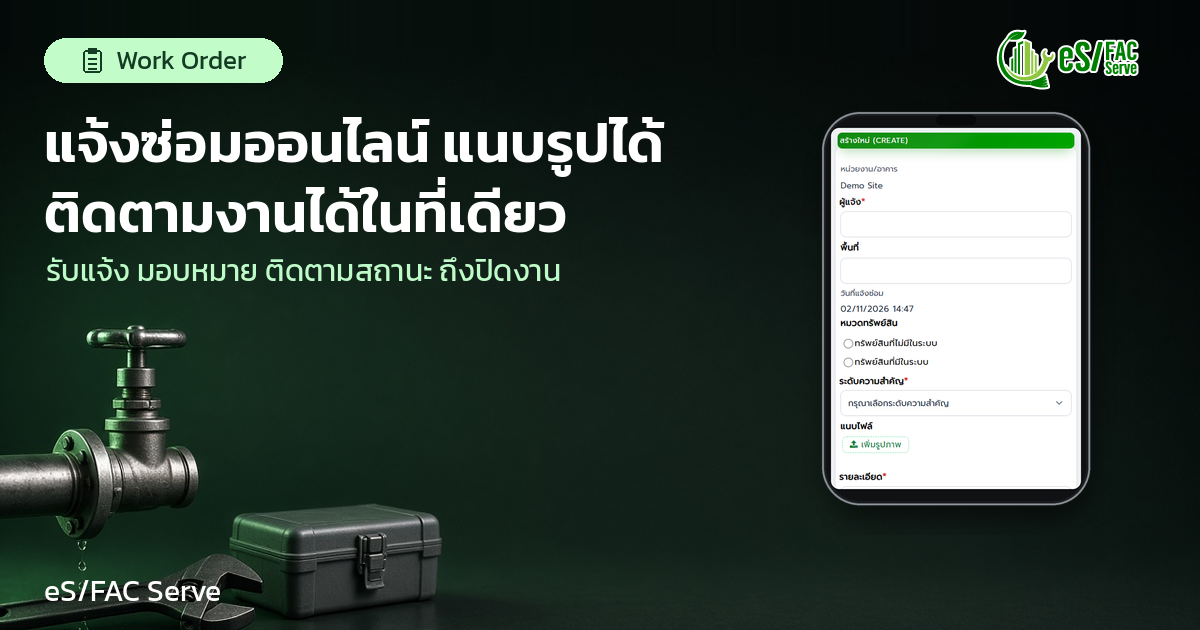
When a repair request is made, it should be recorded as a work order with a responsible person, a completion date, and a progress status, and linked to the associated asset. Over time, these work orders will become part of the repair history for that machine, eliminating the need to manually compile them later.
3. Scheduled Maintenance (PPM) of Assets.
Planned Preventive Maintenance (PPM) tasks, such as routine inspections and maintenance of water pumps, should be recorded in the same equipment's maintenance history as repairs. This allows tracking of frequently malfunctioning equipment to ensure that planned maintenance is being performed.
4. Current status of the property.
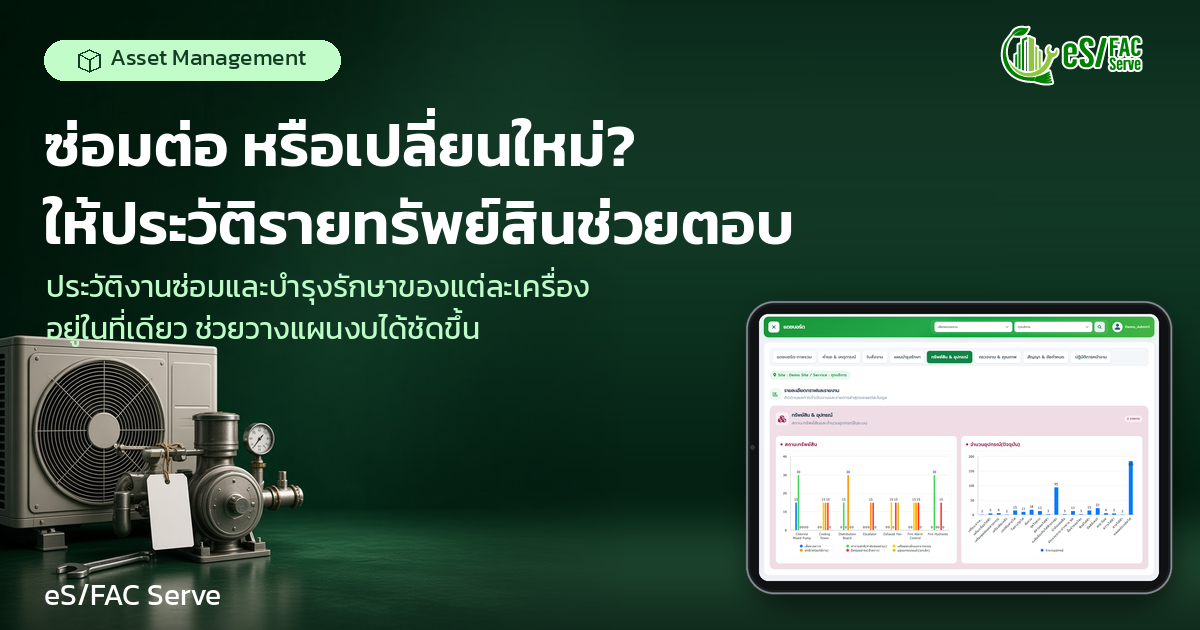
It should be immediately visible whether each machine is operational, undergoing maintenance, or damaged, and how many machines in each status are listed overall. This information helps to identify which types of equipment are concentrating on the problem.
How to read the service history to decide whether to repair or replace.
Once the complete history is available, the next question is, how do we read it? The following questions help the team discuss using the same data.
1. Frequency of failure.How many times has this machine required repairs in the past 12 months, and is the frequency increasing? 2. Recurring symptoms.Does each repair fix the same problem? If the same problem recurs shortly after the repair, it may be a sign that the repair was only a temporary fix. 3. Completeness of maintenance work.: PPM work Has the maintenance plan for this machine been fully followed? If not, the maintenance plan should be revised before deciding to replace it. 4. Time the machine is not in use.Each time the machine breaks down, how long is it in a repair state, and how much does it affect other work? 5. Compared to similar machines.Does this air conditioner have significantly more repair needs than others in the same category?
The general guideline is that if breakdowns are infrequent, the symptoms are consistent, and maintenance is complete, continuing repairs are often more cost-effective. However, if breakdowns become more frequent, and the same symptoms recur despite complete maintenance, that's a signal to start planning for replacement. Use this information to inform your next budget.
For example, consider two water pumps installed simultaneously. The first had one repair in the past year, while the second had five repairs for the same problem, even though both had completed their PPM (Property Maintenance) schedules. This kind of history allows the team to logically propose replacing only the second pump, rather than replacing both or continuing with repairs (hypothetical example).
eS/FAC Serve manages both corrective and planned maintenance (PPM) tasks under a single database linked to the asset register, bringing the repair and maintenance history for each item into one place.
In the system, the team can...
- Create, assign, and track work orders, including responsible parties, due dates, and progress status. View an overview here. Managing Work Orders - The system will generate a work order from complaints, incident reports, or inspections that reveal equipment damage, so that repair work is recorded from the beginning. – Open the Assets and Equipment dashboard to view the asset status, such as whether they are available or undergoing maintenance, and the number of pieces of equipment of each type. - Use the work order dashboard to view unfinished tasks, delayed tasks, and completed tasks.
Read more about managing maintenance and assets in a single system at the Maintenance and Asset Management System (CMMS) , and see the basics of asset data storage at the Asset Management System.
eS/FAC Serve is in use at over 1,000 locations.
Start by compiling a complete list of all your assets using the checklist.
If history is still scattered across multiple places today, try starting with these short steps.
1. Select the equipment groups that have the greatest impact on the work first, such as air conditioners and water pumps, and register all of them with their codes and locations. 2. Agree as a team that from now on, all repair work must be done through a work order, specifying the equipment involved each time. 3. Establish a planned maintenance (PPM) schedule linked to the assets of this group of equipment, so that maintenance tasks are entered into the same maintenance history. 4. Close the work order with a detailed description of the symptoms and the work done, so that anyone reading it later can understand. 5. Review the history of the equipment with the most repairs every quarter and use this information when planning the budget for the following year.
The data we start collecting today will be useful for making decisions in the coming months, and will continue even if team members change.
FAQ
How does a property repair history differ from a general repair record? General repair records are usually organized by date, while asset history links every repair and maintenance job to each individual machine, allowing you to view the complete history of a single machine at once.
What is PPM and how does it relate to asset history? Planned Preventive Maintenance (PPM) is maintenance work tied to assets. When PPM and repairs are in the same equipment's history, it shows whether frequently malfunctioning equipment has received complete maintenance according to the plan.
How much historical data is needed before a decision can be made? The longer the better, but trends can start to appear even with just a few months of data, especially on machines that require frequent repairs. The important thing is to start recording completely and consistently from today.
How does asset history help with budgeting? This helps identify which machines require frequent repairs and should be planned for replacement, allowing for the next budget to be set based on actual data, rather than estimates based on feelings.
conclude
Deciding whether to repair or replace becomes much easier when the repair and maintenance history of each machine is complete in one place. The technical team sees recurring problems, management has the same set of data, and the next budget can be planned based on those facts.